Know when doors open or close
Get a phone alert from a watched door or window. A suitable setup can also start an alarm when needed.
An opening alert tells you the door changed. It does not tell you who entered.

Know more about what is happening at home.
Get help with sensors, alarms, CCTV, smart lights and phone alerts. We install the right setup for your home and show you how to use it. These tools help you notice events and reduce theft risk.
See All 12 Services Let’s talk about your home +91 99160 75216 ↗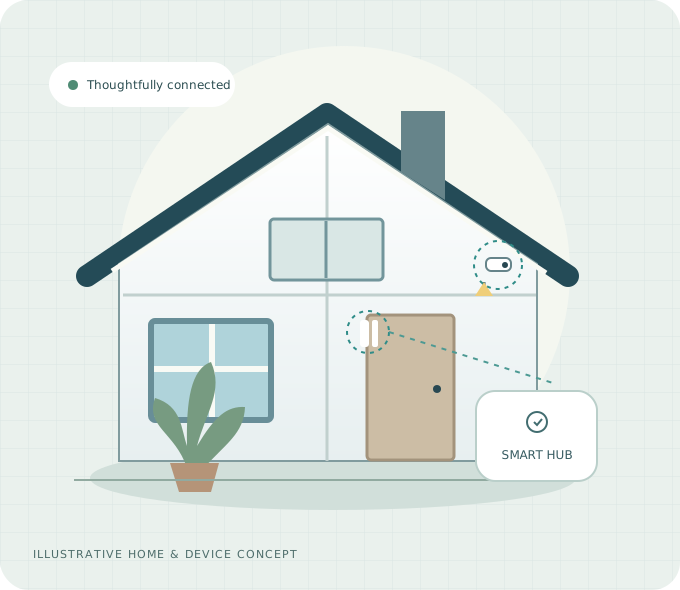
The main things your smart home can do
Help reduce theft risk with opening alerts, movement checks and alarms you can control. No system can stop every theft.
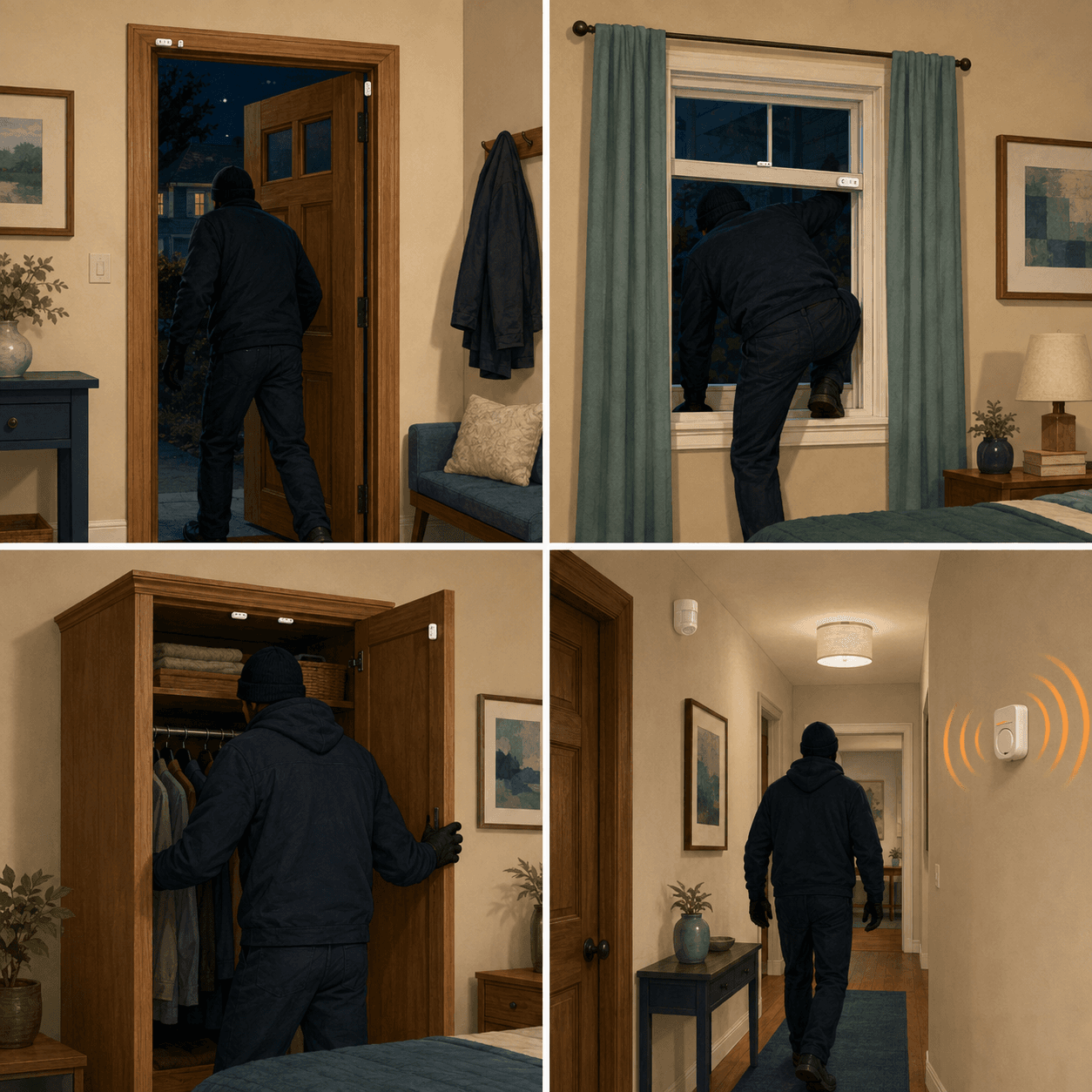
Get a phone alert from a watched door or window. A suitable setup can also start an alarm when needed.
An opening alert tells you the door changed. It does not tell you who entered.
Suitable motion sensors can notice movement inside your home, send phone alerts and trigger a chosen alarm action.
Alerts may be delayed or unavailable if power, connections or phone settings change.
Use suitable sensors in bedrooms, halls, kitchens and wardrobes to check movement or openings without recording video.
We check the sensor positions and respect everyone’s privacy. Coverage depends on the home and devices.
Turn suitable alarm systems on or off from your phone. Use schedules or home-and-away settings where the chosen app supports them.
We check the available controls and test the actions before you use them.
Our services
See what we offer, where you can use it and how it can help. Choose a service to learn more.
Use sensors, alarms and cameras together to help reduce theft risk.
Get an alert when a watched door or window opens.
Check when doors, cupboards and cabinets open or close.
Get updates when movement is noticed in chosen indoor areas.
Know when suitable wardrobes, cabinets and lockers are opened.
Set an alarm or light to respond to a chosen sensor event.
Get useful home updates on your phone, even when you are away.
See useful areas of your home through well-placed cameras.
Check room temperature and moisture levels on your phone.
Control suitable lights from your phone or set useful schedules.
Bring suitable sensors, lights and controls together in one app.
Improve Wi-Fi coverage and help connect cameras and smart devices.
Make your home smart. Keep it simple.
Add smart features to the home you already have.
Suitable wireless sensors can often be added without new sensor wires, building changes or repair work. We check where they fit, hub power and the connection first. Lights and other devices may need electrical work.
Explore a simpler upgradeThink beyond the recording
Cameras show you a view. Sensors tell you about an opening or movement. Using both can help you understand what is happening.
Explore Layered SecurityA watched door opens, or a sensor notices movement in a chosen area.
An alarm, light or phone alert can respond if your setup allows it.
Check any available camera view and decide what to do next.
No system can stop every theft. Alerts and automatic actions depend on the devices, power, connections and settings.
One simple way to use your devices
Use one suitable app for the alerts, readings, camera views, lights and controls your setup supports.
We check that your devices work together before installation. Phone alerts from outside the home need the right internet connection. Some automatic actions may work inside the home without internet; we test this for your setup. This picture is an example, not a live connection.
Your home updates, on your phone
Check a door update, see a movement alert or use the alarm controls your setup provides. We help set up the app and show you how it works.
This is our own example design. It is not a real app screen or a live connection. HomeProtect does not make the mobile app. We choose an app and devices that work together; the actual screens and features may differ.
See It in a Free DemoExample updates · Not connected
Illustration only · Controls do not operate devices
Six ways to help protect your home
Know when watched doors and windows open.
Notice movement in chosen indoor areas.
Get opening alerts from suitable storage.
Use alarms and lights for chosen events.
See the areas your cameras cover.
Get the phone alerts your setup supports.
For the belongings that matter
Keep an eye on wardrobes, document cabinets and suitable lockers. A small opening sensor can let you know when the watched door opens.
A sensor does not make storage stronger. We must check the fit and signal, especially around metal.
Explore Valuables MonitoringEveryday examples
These are examples. The available actions depend on your devices and settings.
Your setup can send a phone alert about the opening.
A motion sensor can start a suitable alarm if this action is set up.
A suitable opening sensor can tell you that the wardrobe opened.
A suitable temperature or humidity sensor can send an alert.
Suitable lights can turn on if this action is set up.
Make the everyday work better
Lights, room readings and Wi-Fi can make your smart home easier to use.
CCTV adds a camera view to help you check events. We plan useful views and respect private spaces.
02 /Set suitable lights to a schedule or link them to a sensor.
03 /Check temperature and moisture in the air. To change room conditions, you need separate suitable equipment.
04 /Get help with router positions, Wi-Fi coverage and device connections.
We help at every step
Book a free demo or request a home visit.
Check doors, important areas and connections. Suggest devices that work together and give you a quote.
Install the chosen devices and set up the mobile app.
Test the setup together. Learn the controls and simple daily checks.
1-year warranty on every product we supply.
A few things you may be wondering
Talk to us about what would work in your home.
Call NowYes. HomeProtect offers a free home demo and free quotation. Contact us to discuss your home and arrange the next step.
Suitable wireless sensors often need no new sensor wires or building changes. We check the fit and power first. Other devices may need electrical work.
1-year warranty on every product we supply.
Yes, if the devices work together. The chosen app can show the alerts, readings, camera views and controls your setup supports. We check this before installation.
Please contact us with your location. We will check whether we can arrange a visit.
Phone access from outside the home may stop. We check which actions can still work inside your home without internet.
Let’s start with your home
Book a free demo or ask for a home visit. Tell us what you need and we will help you choose a suitable setup.
1-year warranty on every product we supply.